

This module is only available for CXone Performance Management (AX).
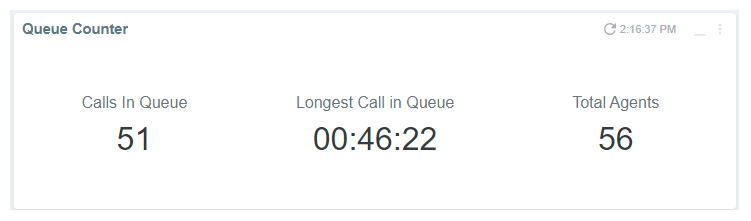
The Queue Counter module shows real-time data for the number of calls in queue, longest call in queue, and total agents.
Run the Queue Counter Module
- Click +Add Modules in the side-menu and select Queue Counter.
- Select the settings you want to apply to the module if you want to display data different than the dashboard filter.
- Click Apply to run the module under your configured settings.